Sync orders to Google Sheets and fulfill from your sheet
Paste a tracking number, order fulfilledTwo-way sync that keeps sheets currentRecover lost sales from abandoned checkoutsPick the exact fields for every columnSplit orders into the sheets you needCapture product options in your sheet
App introduction
Keep orders and abandoned checkouts in Google Sheets and fulfill orders by adding tracking numbers.
App details
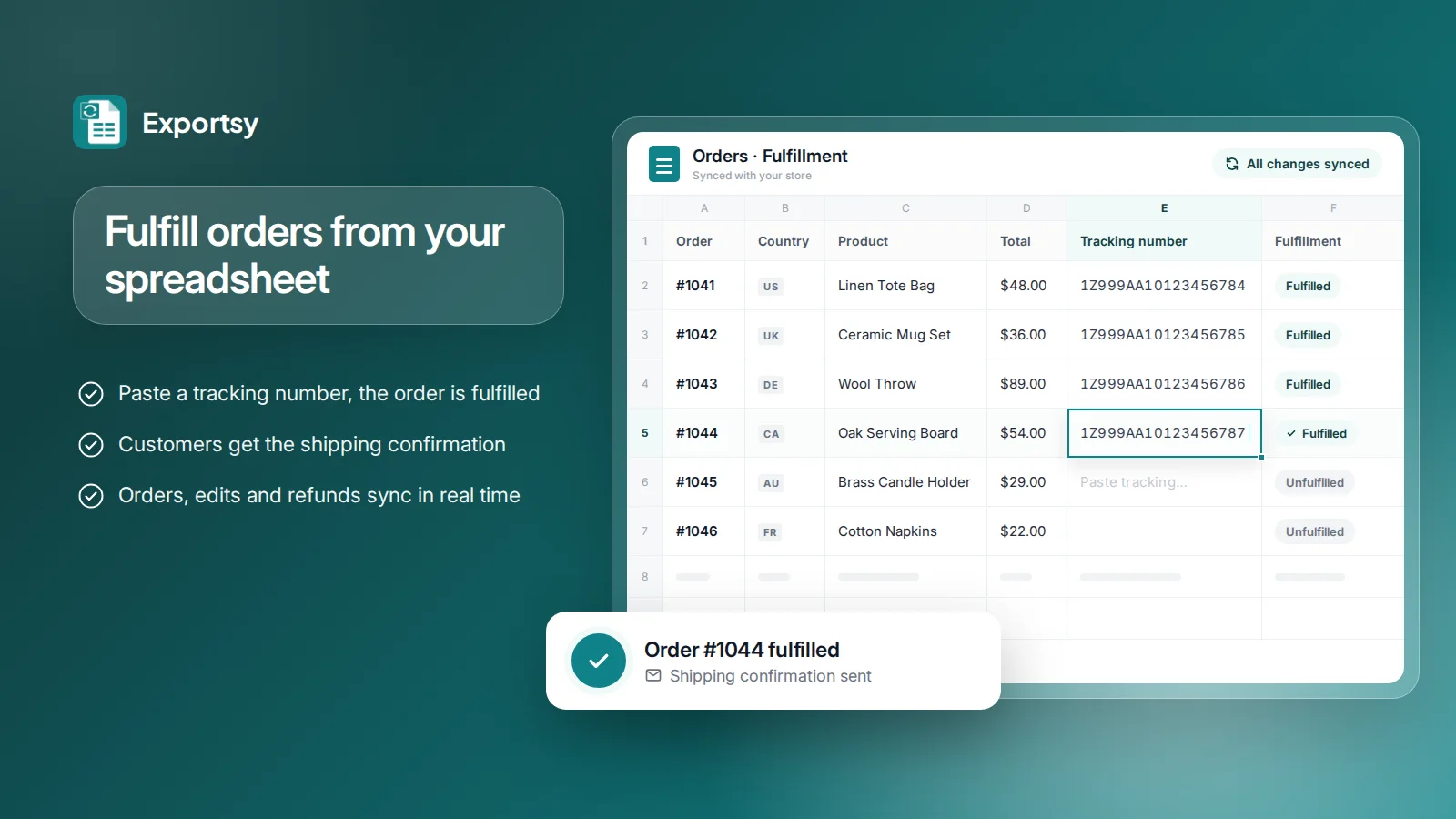
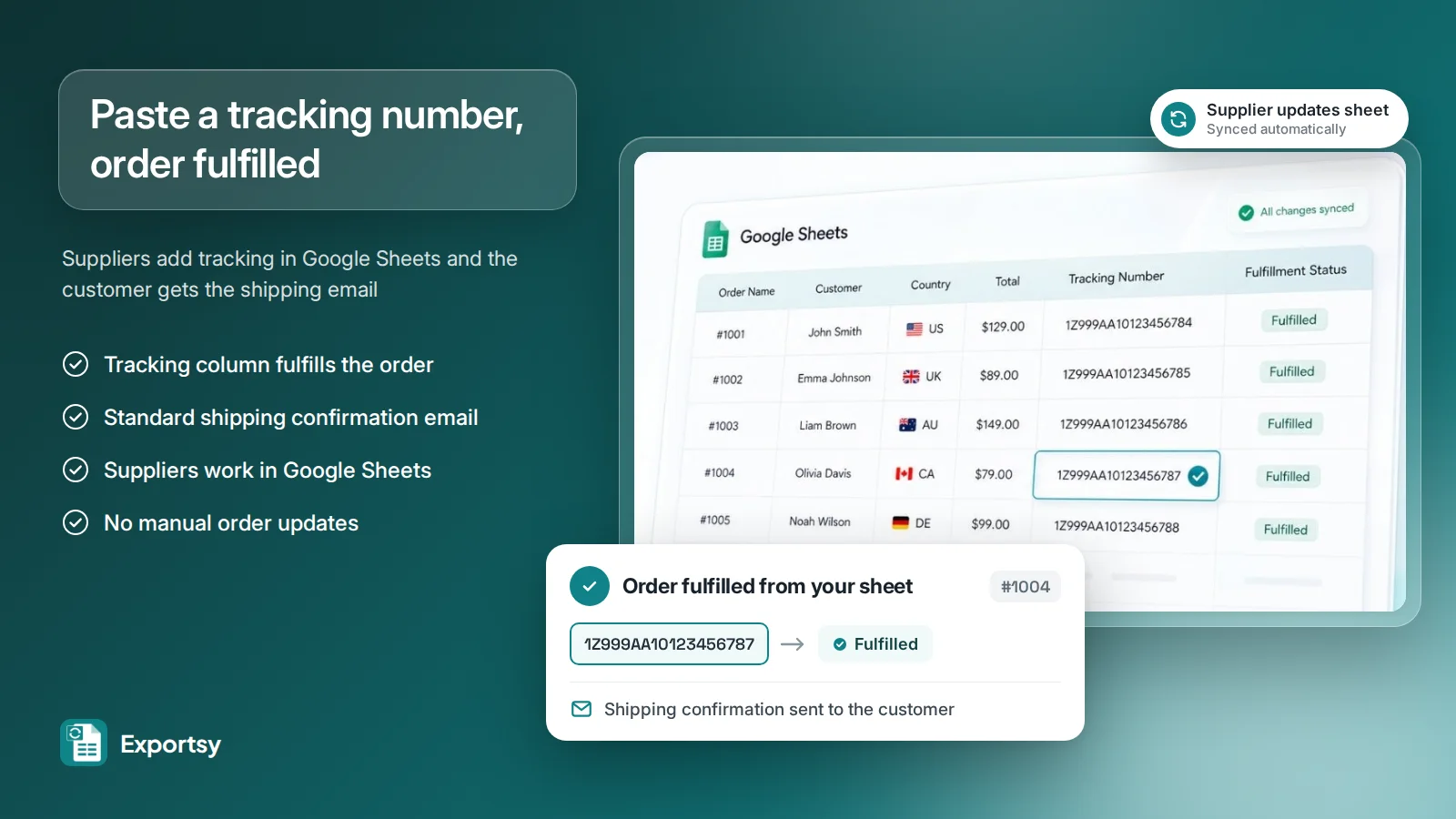
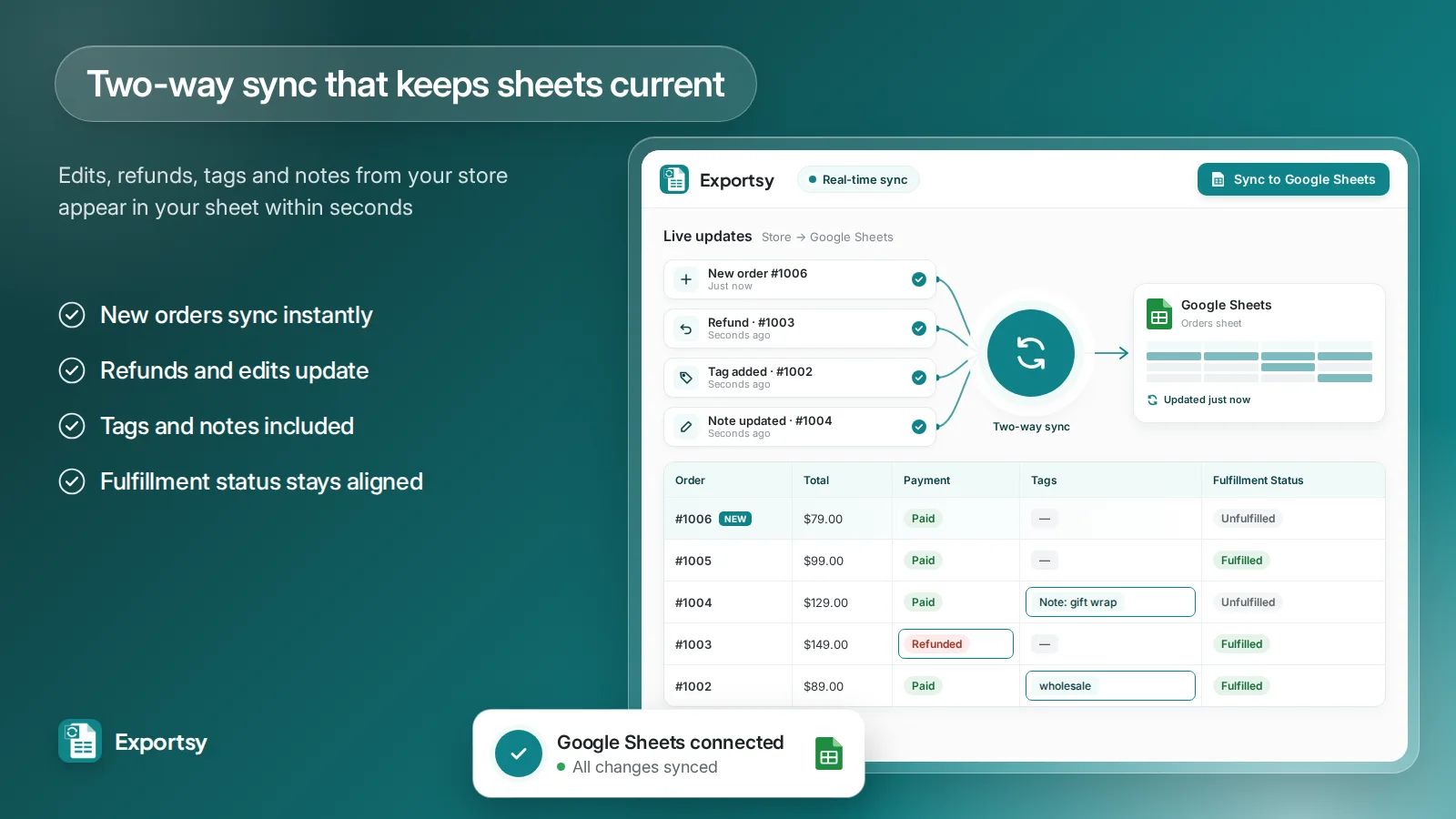
Exportsy connects your store to Google Sheets with two-way sync. New orders and abandoned checkouts appear in your sheet as they happen, and edits, refunds, tags and notes update within seconds. When a supplier or team member pastes a tracking number into the tracking column, the order is fulfilled and the customer receives the standard shipping confirmation email. Fulfillment teams, accountants and suppliers can manage orders and follow up on lost sales without leaving Google.
Feature list
Fulfill orders and notify customers by adding tracking numbers in a sheet
Sync orders, edits, refunds, tags and fulfillment status in real time
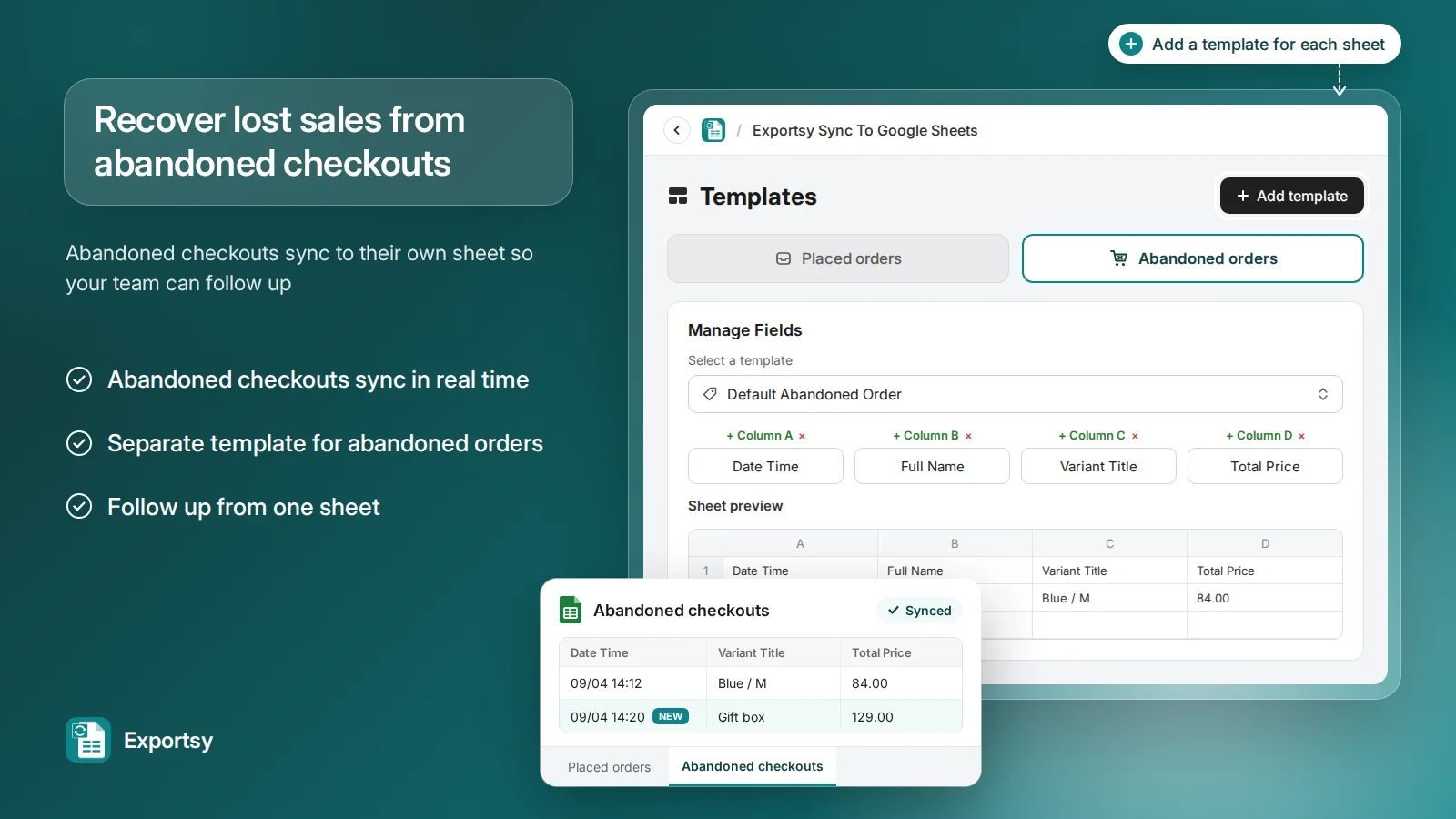
Send abandoned checkouts to Google Sheets to follow up on lost sales
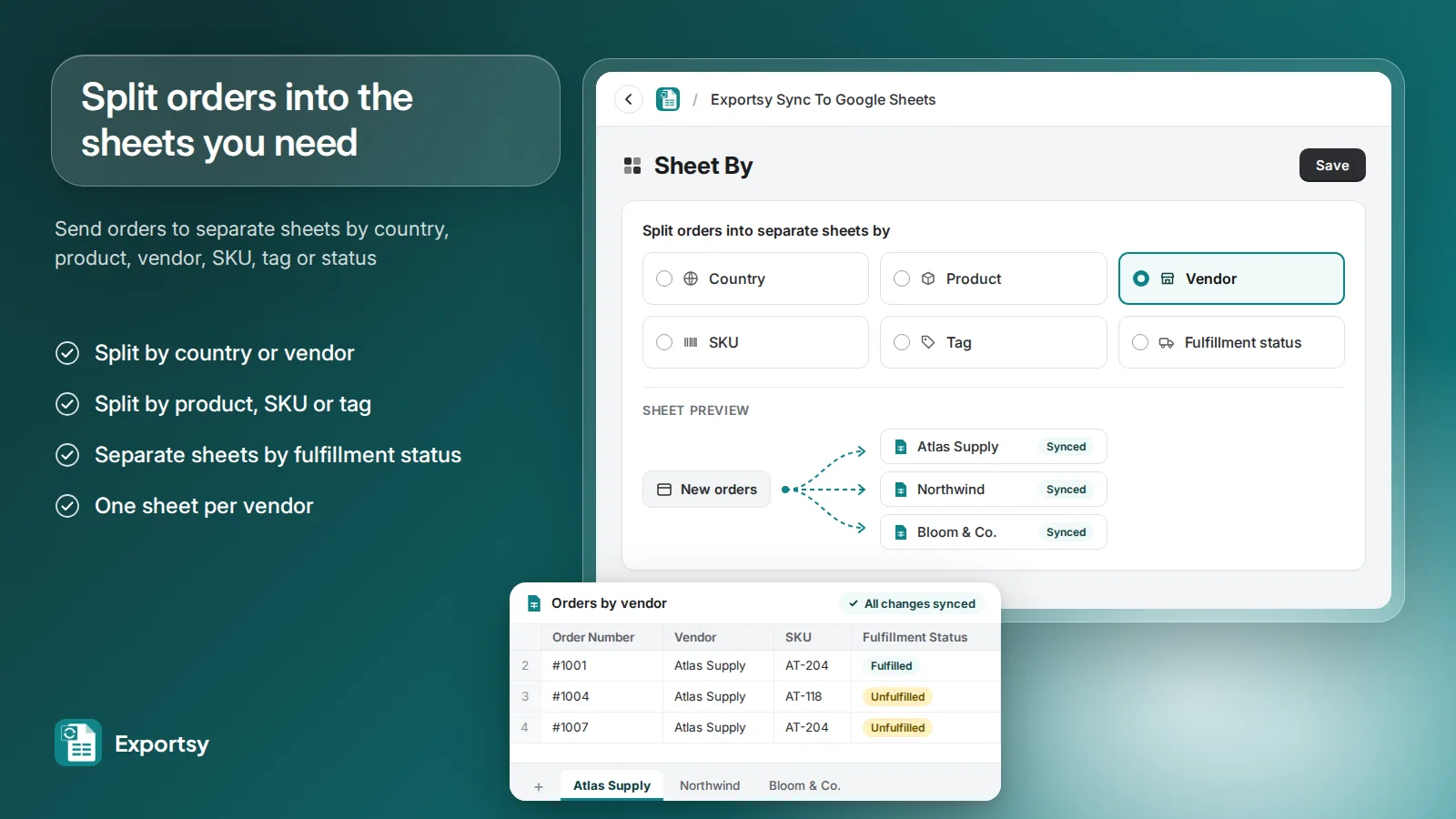
Split orders into sheets by country, product, vendor, SKU, tag or status
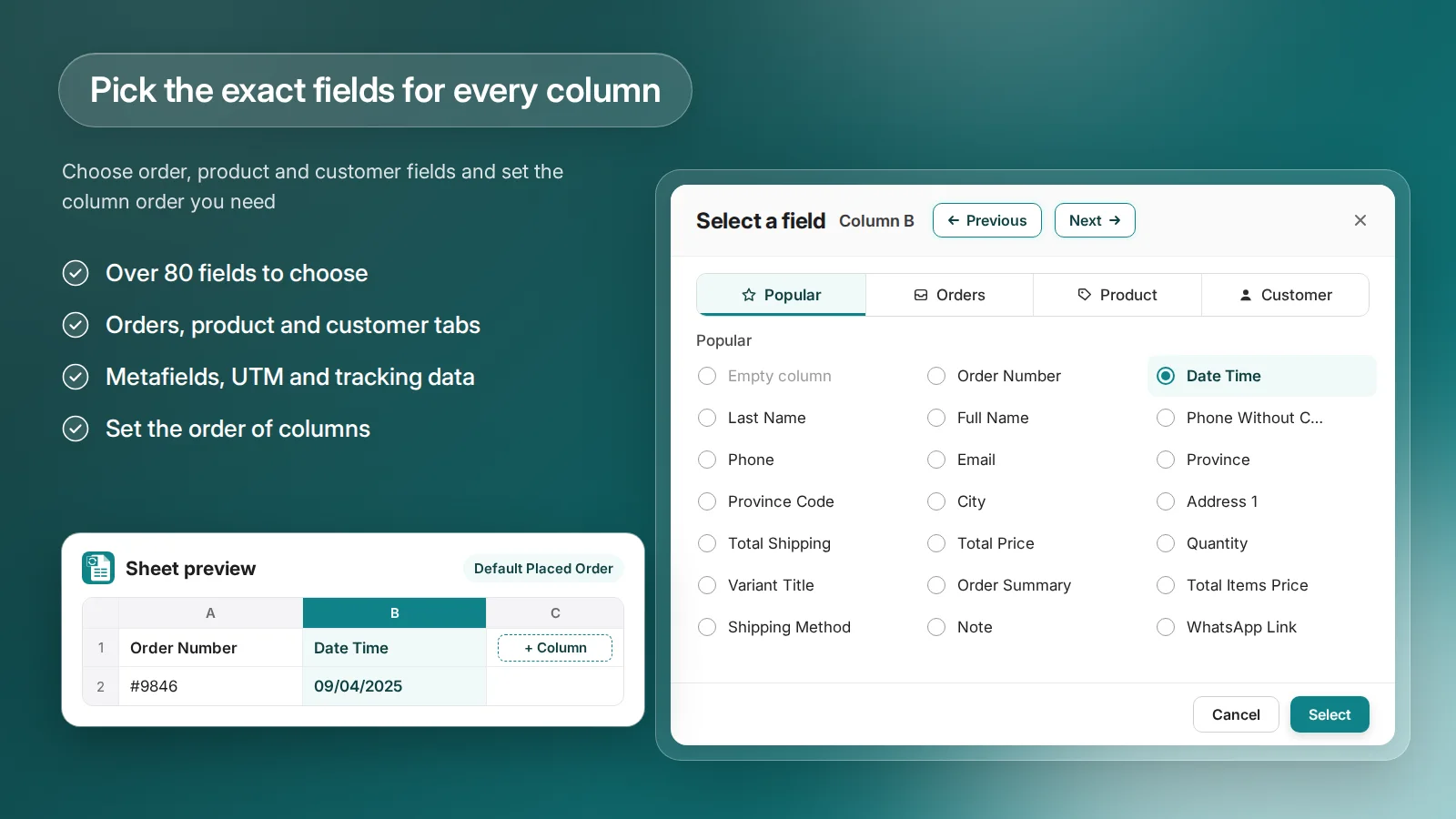
Choose from 80+ order, product and customer fields for each column
Include metafields, UTM parameters and tracking data in your sheets
Connect multiple Google accounts and sync orders for multiple markets
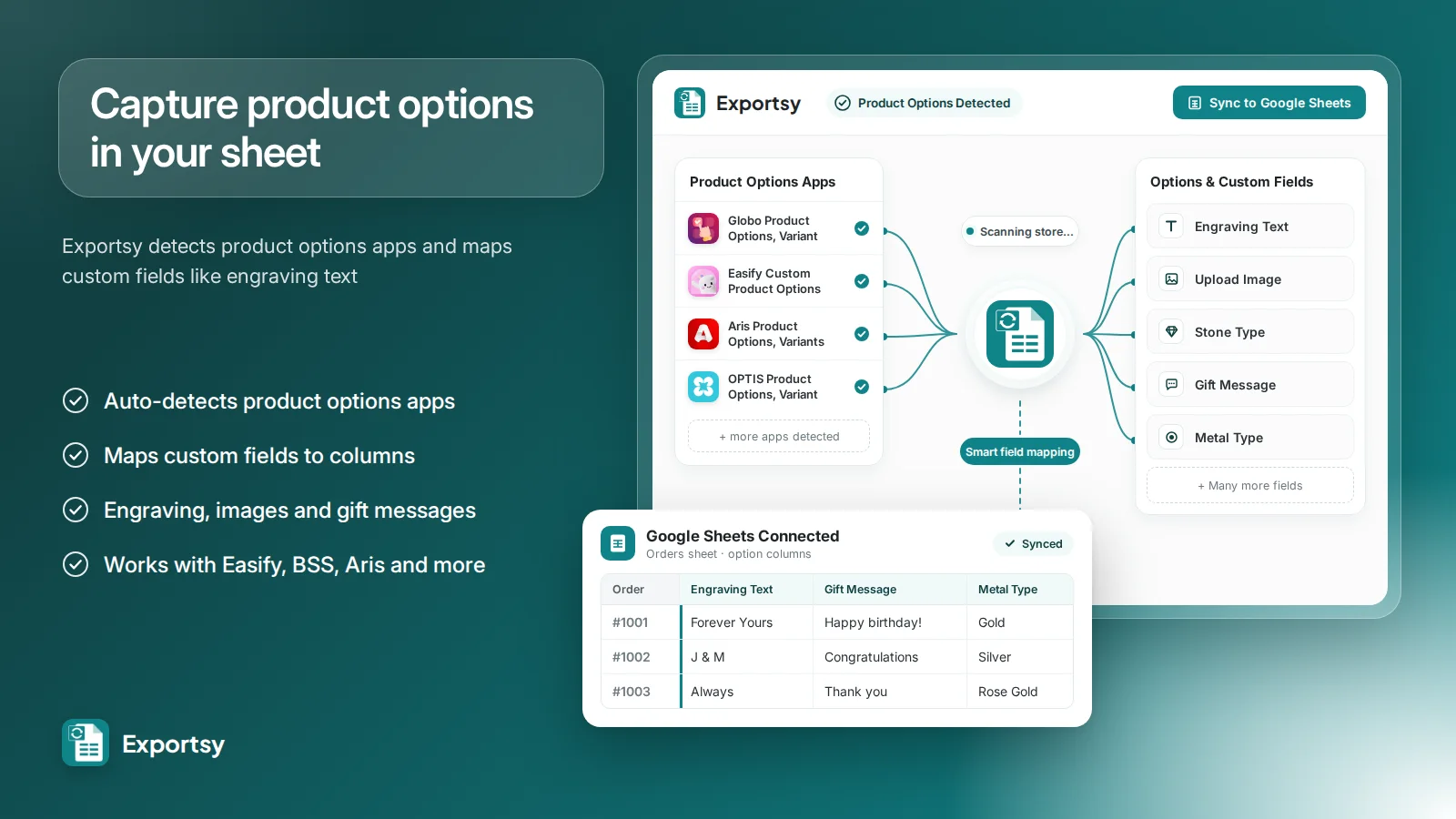
Detect product options apps and map their custom fields to columns
Category
Store management > Operations > Workflow automation